Step 1
Create an invoice
Select a client, choose a project, and add line items to create an invoice. Set tax rates and payment terms. Acme.inc saves all these details, so you're not starting from scratch every time.
Create and send invoices for projects in seconds. Get paid via Stripe, Square, PayPal, and more, and sync payments into your accounting software automatically.





Connect Acme.inc to your payment processors, like PayPal or Stripe, and that’s it. So, really, less than a minute.

Create, customize, and send a Acme.inc-hosted invoice within minutes. Add line items, and tax rates directly to your invoices.
Acme.inc is 256-bit SSL & PCI compliant, and uses the same security measures as banks to protect every transaction.
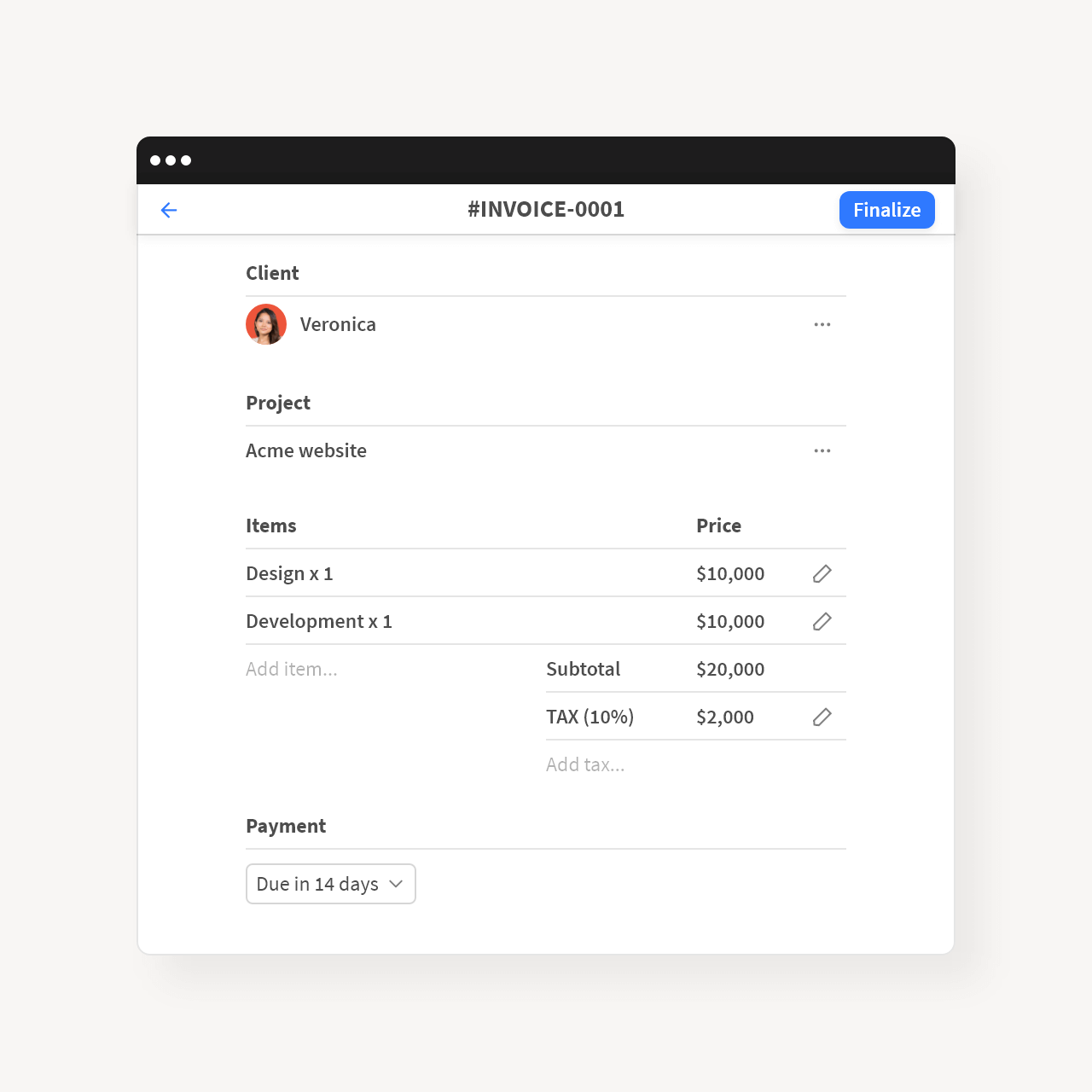
Select a client, choose a project, and add line items to create an invoice. Set tax rates and payment terms. Acme.inc saves all these details, so you're not starting from scratch every time.
Client information
Line items & Tax rates
Memo & Footer
Payment Terms
Custom invoicing numbering
Select a client, choose a project, and add line items to create an invoice. Set tax rates and payment terms. Acme.inc saves all these details, so you're not starting from scratch every time.
Client information
Line items & Tax rates
Memo & Footer
Payment Terms
Custom invoicing numbering
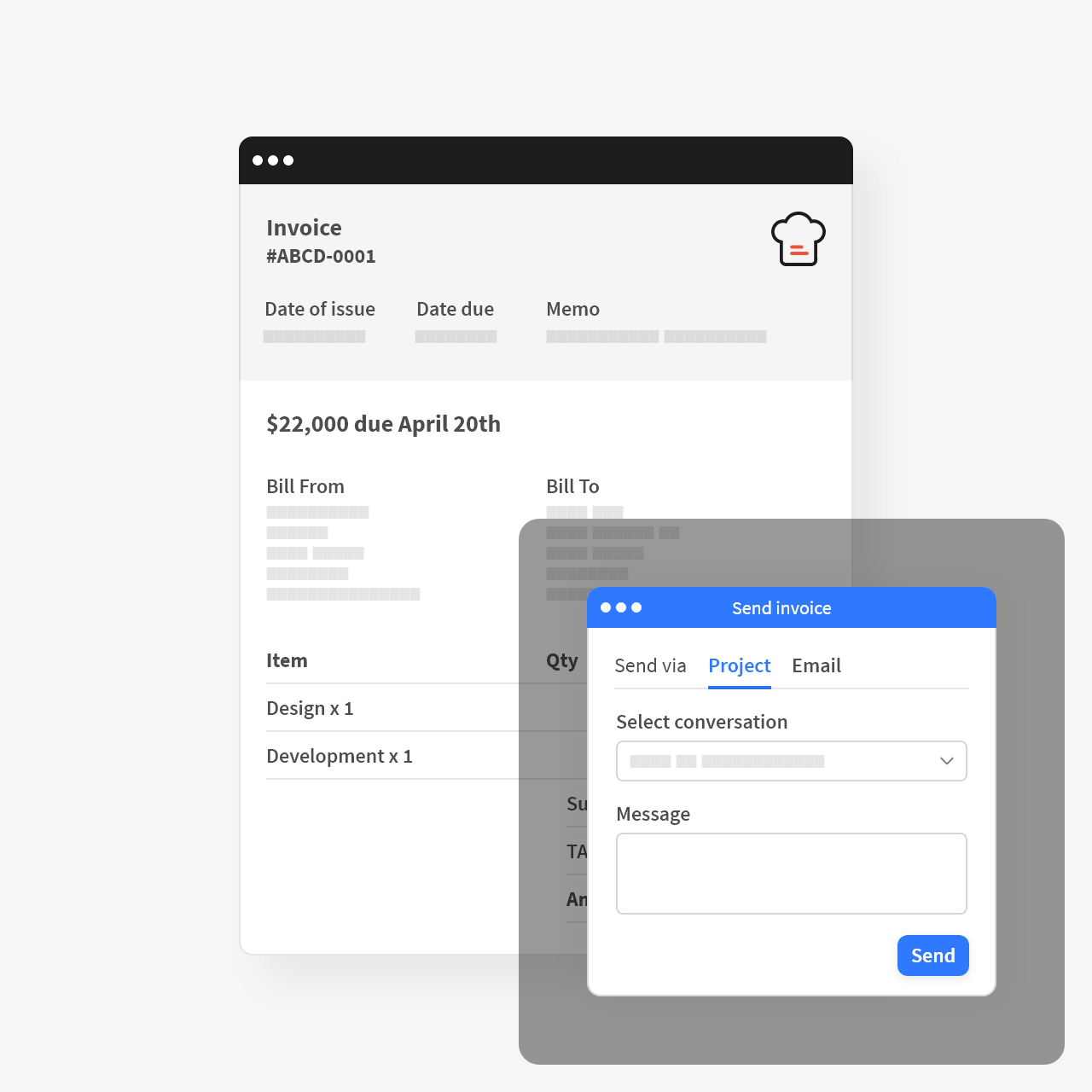
Finalize your invoice, and clients will be able to pay you. Your invoice will be immediately shown in its project. Choose where to send the invoice - to a project conversation, email, or just quickly share a payment link.
Send to a project conversation
Send to an email (with a PDF attachment)
Share a payment link
Finalize your invoice, and clients will be able to pay you. Your invoice will be immediately shown in its project. Choose where to send the invoice - to a project conversation, email, or just quickly share a payment link.
Send to a project conversation
Send to an email (with a PDF attachment)
Share a payment link
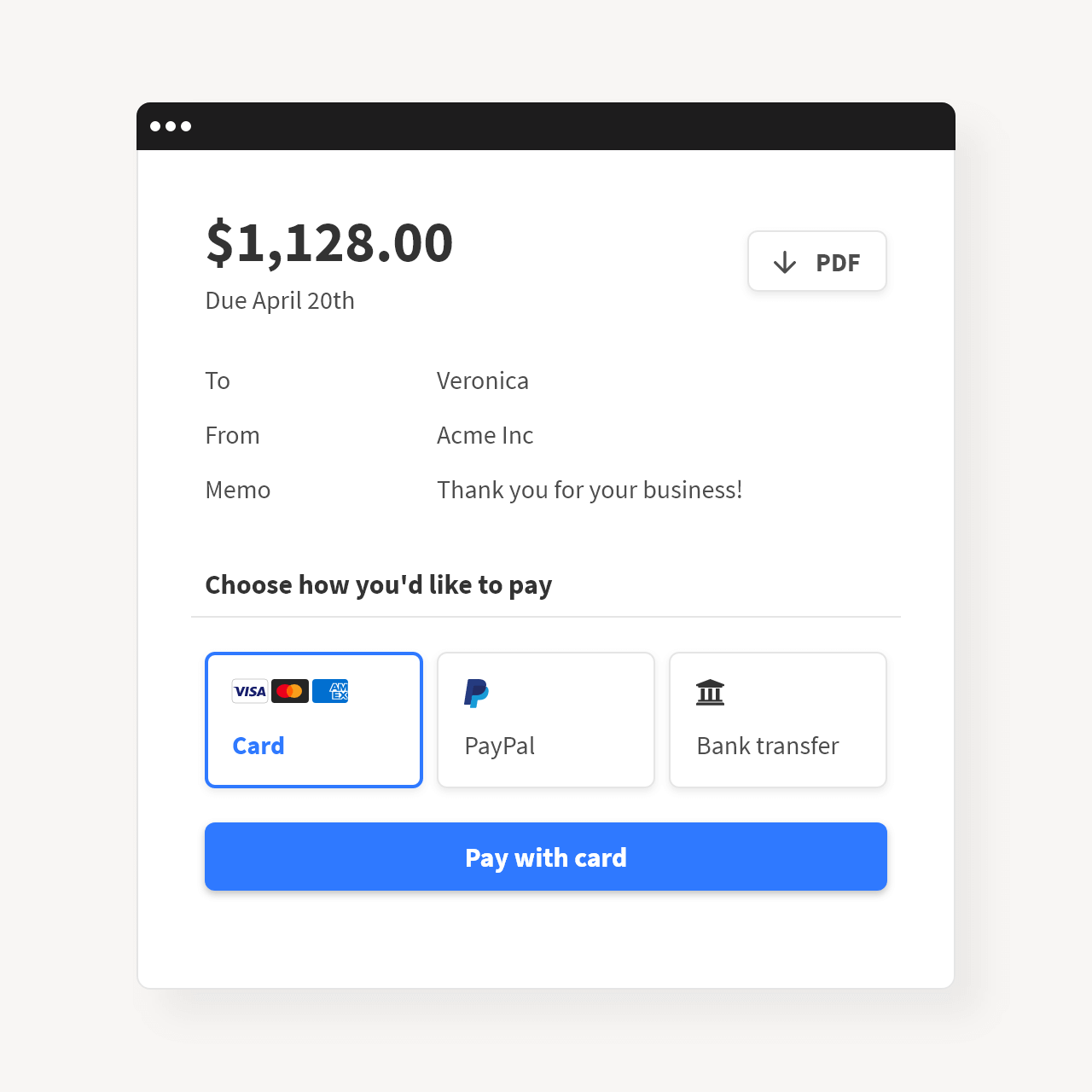
Connect Acme.inc with your payment processor and receive payments from clients instantly. Payments received through Acme.inc are always deposited into your account immediately. Acme.inc does not charge any transactional fees.
Stripe, Stripe ACH (via Plaid)
Rezorpay, Square, Mollie, 2checkout
PayPal, Manual payments
Connect Acme.inc with your payment processor and receive payments from clients instantly. Payments received through Acme.inc are always deposited into your account immediately. Acme.inc does not charge any transactional fees.
Stripe, Stripe ACH (via Plaid)
Rezorpay, Square, Mollie, 2checkout
PayPal, Manual payments
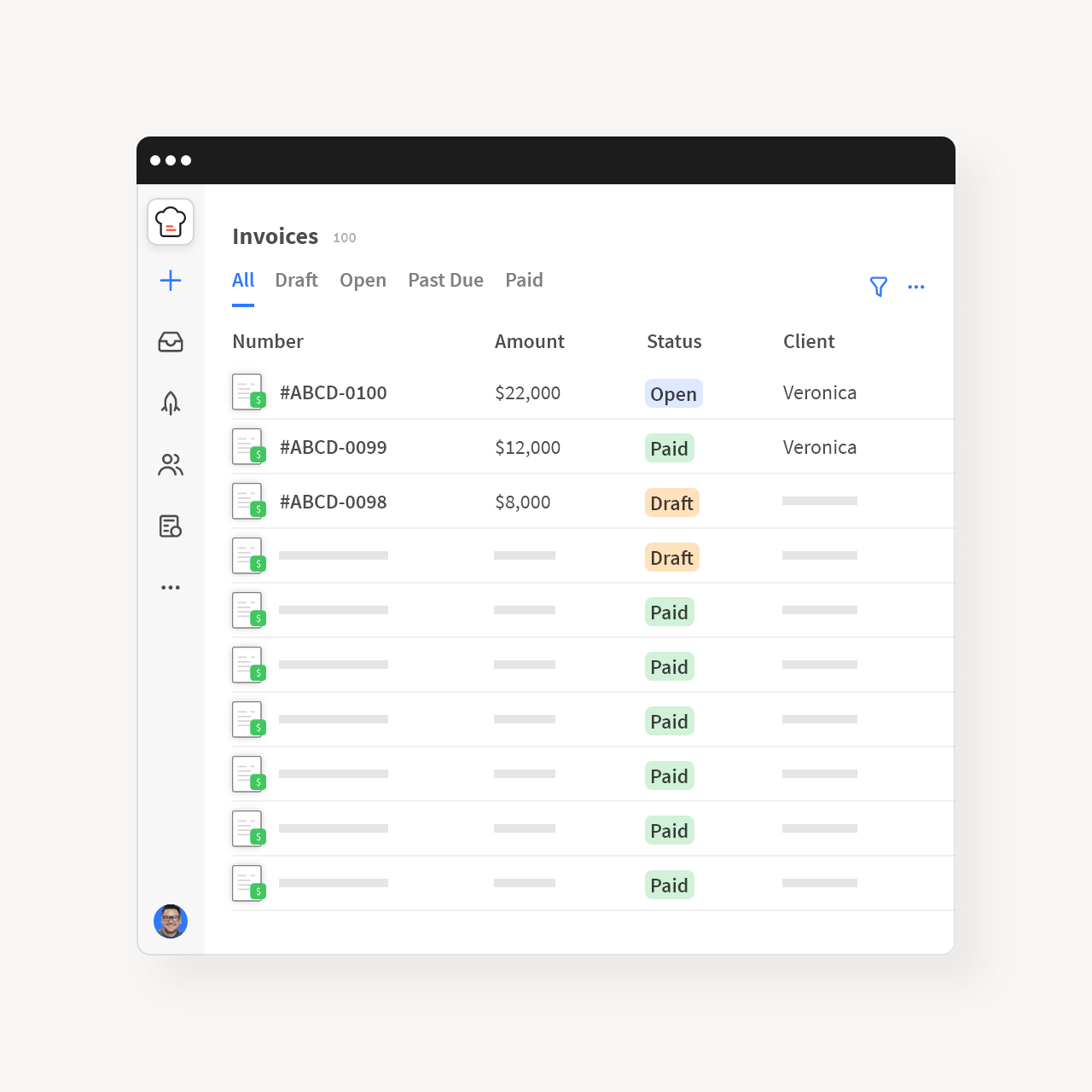
It's easy for clients to find, download and pay invoices. And it's even easier for you to filter, update, void, duplicate, or mark invoices as paid.
It's easy for clients to find, download and pay invoices. And it's even easier for you to filter, update, void, duplicate, or mark invoices as paid.
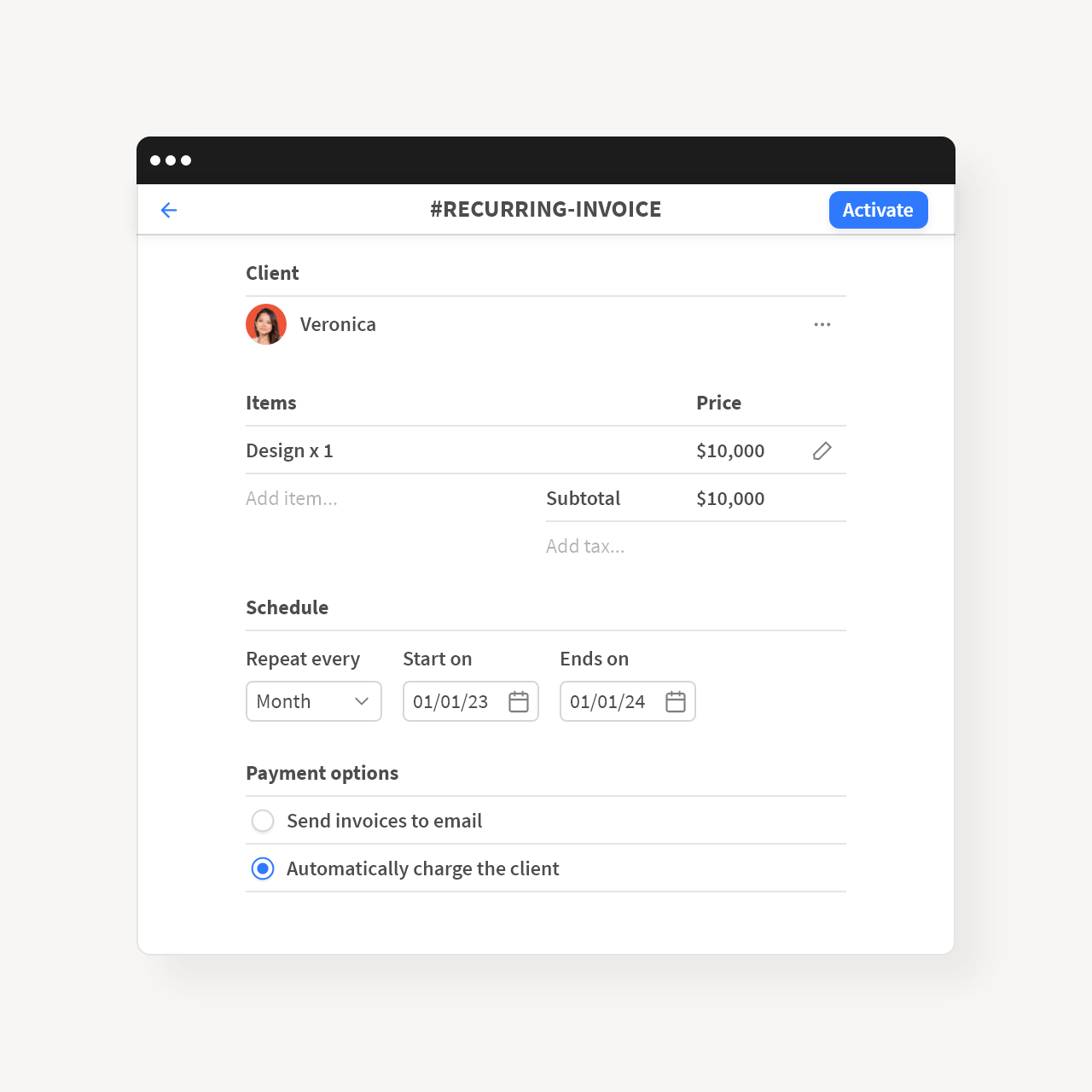
Set an invoicing schedule for weekly, monthly, or yearly payments, and Acme.inc will automatically create and send invoices. Plus, you can automatically charge clients, so they don't have to enter their credit card every time.
Set an invoicing schedule for weekly, monthly, or yearly payments, and Acme.inc will automatically create and send invoices. Plus, you can automatically charge clients, so they don't have to enter their credit card every time.
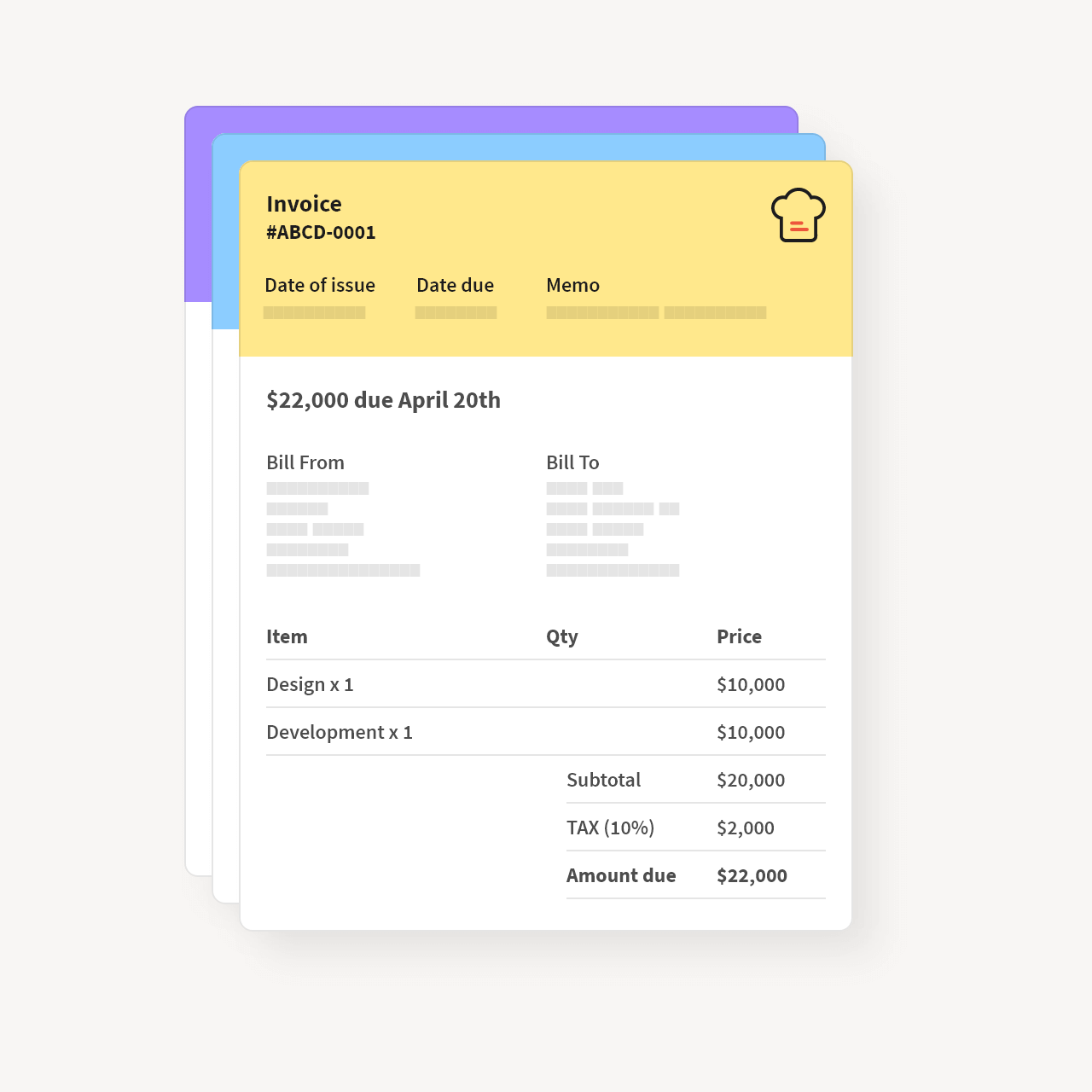
Add your logo, change header colors, and make the invoices fit your brand. You'll make a great impression.
Add your logo, change header colors, and make the invoices fit your brand. You'll make a great impression.
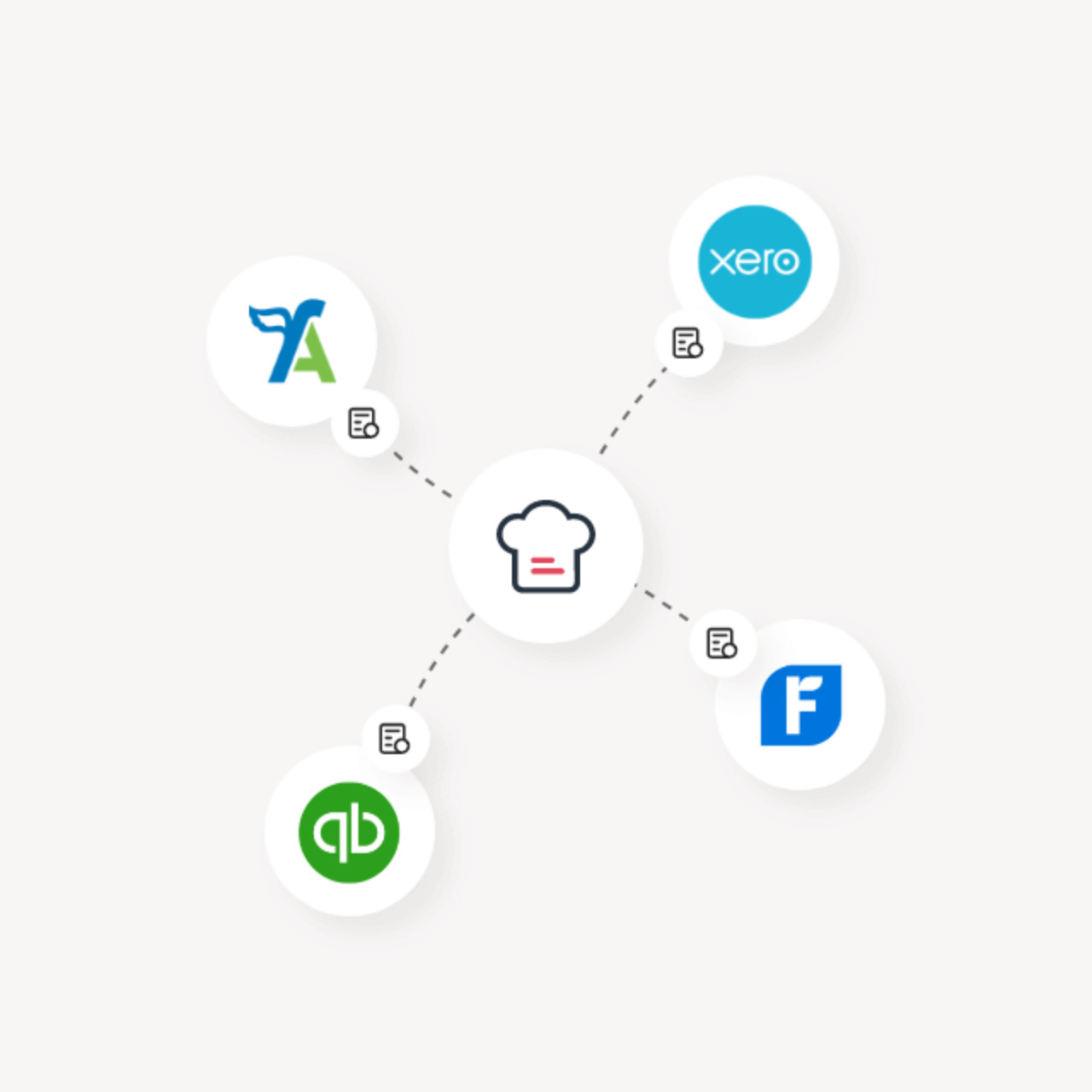
Acme.inc can send paid invoices to your accounting software automatically, so your books will always be in order. Yes, we've taken care of this as well.
FreeAgent, Freshbooks
PayPal, Manual payments
Zapier for any other accounting tool
Acme.inc can send paid invoices to your accounting software automatically, so your books will always be in order. Yes, we've taken care of this as well.
FreeAgent, Freshbooks
PayPal, Manual payments
Zapier for any other accounting tool
Easily accept online payments without lifting a finger.
No credit card required, cancel any time
Invoice Features
Add your bank details in Acme.inc, and let clients manually transfer funds to your bank account.
Save clients’ non-sensitive billing information in Acme.inc for faster invoice creations and checkouts.
Acme.inc lets you use multiple payment options (like credit card and PayPal) simultaneously.
Add a prefix, configure length, and match the same number format as your existing invoices.
Set up automatic reminders for clients when their invoices are due, and make late payments out of the question.
We follow the same security measures as banks to protect all transactions.
Acme.inc is what Slack wishes it could be: highly collaborative but without all the disruption. It's changed the way we interact with clients, contractors and employees at every level of our projects.
CEO @ Media Contour



No credit card required, cancel any time